
OneSafe changelog
New local rails are now live
You can now send and receive in local currencies directly from your OneSafe account. Cross-border payments just got easier.
🇬🇧 GBP via Faster Payments (FPS) · United Kingdom
🇧🇷 BRL via Pix · Brazil
🇲🇽 MXN via SPEI · Mexico
🇨🇴 COP via Bre-B · Colombia
🇨🇴 COP via bank transfer · Colombia
🇦🇷 ARS via bank transfer · Argentina (coming soon)
Feature availability depends on your account setup. You can check your enabled features here: https://app.onesafe.io/app/endorsements. If you don't see this option yet, please reach out through in-app chat for assistance.
OneSafe Plans and Pricing Update
We're introducing OneSafe Plans, and giving your chose plan for one month free to try them out!
Starting April 27, choose the plan that fits your business:
Plus – $29/month (or free with $10,000+ average balance) Payments, cards, invoicing, and reimbursements—everything you use today.
Pro – $99/month (or free with $35,000+ average balance) Everything in Plus, SWIFT transfers, higher card limits, and new features like multiple accounts
Accounts without an active subscription (Free Plan) can always sign in to view accounts and transaction history.
Thank you for supporting OneSafe. This pricing model lets us support the features we're building and the platform quality.
Questions?
Email [email protected] or chat in-app
Failing or Missing Transactions Issue
We’re currently experiencing an issue where some transactions may not appear immediately and are instead placed under the Scheduled Payments tab before processing.
This is due to a timezone configuration issue, and affected transactions should be completed within 12 hours.
Before attempting another payment, please check if the transaction is already listed under Scheduled Payments:
https://faq.onesafe.io/articles/9231261891-where-to-view-scheduled-payments
If you notice any duplicates, you can cancel them using these steps:
https://faq.onesafe.io/articles/6812391126-how-to-cancel-scheduled-payments
We’ve identified the issue and a fix is scheduled to be released early next week.
Let us know if you have any questions by sending an email to [email protected] or through the in-app widget.
More on OneSafe:
-COP is now live on OneSafe
-Never miss a payment again
-Smart Transfers on OneSafe
-Request, Approve, and Reimburse
-OneSafe Card Relaunch
COP is now live on OneSafe 🇨🇴
You can now send and receive Colombian Pesos (COP) directly in your OneSafe account via Bre-B. Now it’s easier to move money in and out of Colombia.
Feature availability (e.g. SWIFT, SEPA, USDT) depends on your account setup.
You can check your enabled features here: https://app.onesafe.io/app/endorsements. If you don’t see this option yet, please reach out through in-app chat for assistance.
You may read more here:
More on OneSafe:
- Never miss a payment again
-Smart Transfers on OneSafe
-Request, Approve, and Reimbuse
-OneSafe Card Relaunch
Never miss a payment again
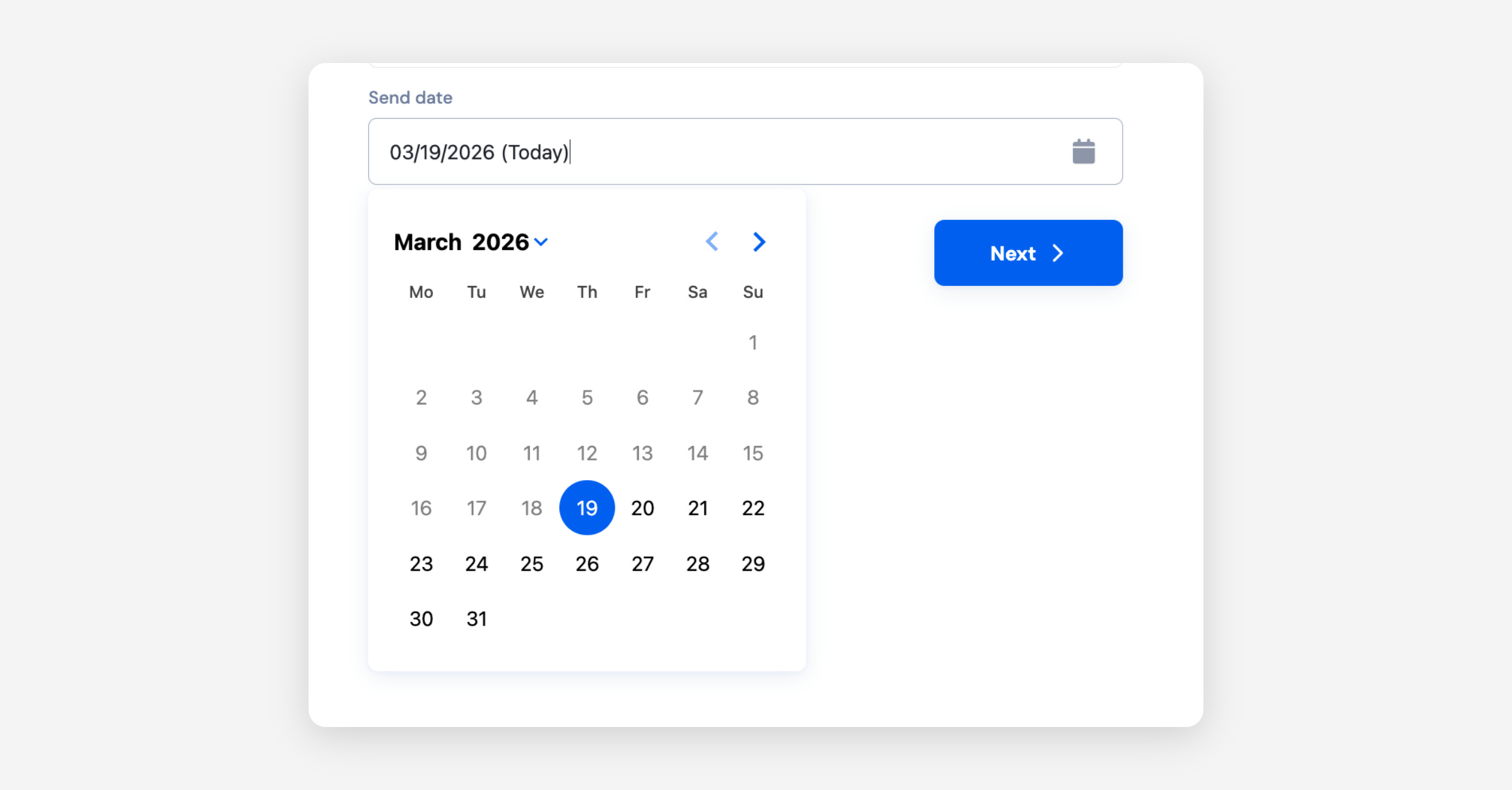
Scheduled Payments are now live on OneSafe. Set your date, sit back, and we’ll handle the rest. Right on time, every time.
Read more here:
How to Make Scheduled Payments
Where to View Scheduled Payments
How to Cancel Scheduled Payments
Request, Approve and Reimburse on OneSafe
Managing reimbursements and internal payments just got easier.
You can now streamline how your team submits and processes payments—all within one platform. No more collecting payment details manually, tracking requests across messages, or re-entering information.
What’s New:
Reimbursements — Team members and Admins can set their own payment details and request repayment for out-of-pocket business expenses directly in OneSafe
Payment Requester role — Designated members can initiate outgoing payments like vendor bills or contractor payouts
This role-based workflow helps:
Ensure proper oversight and approvals
Reduce manual errors from re-entering details
Speed up payment processing across your team
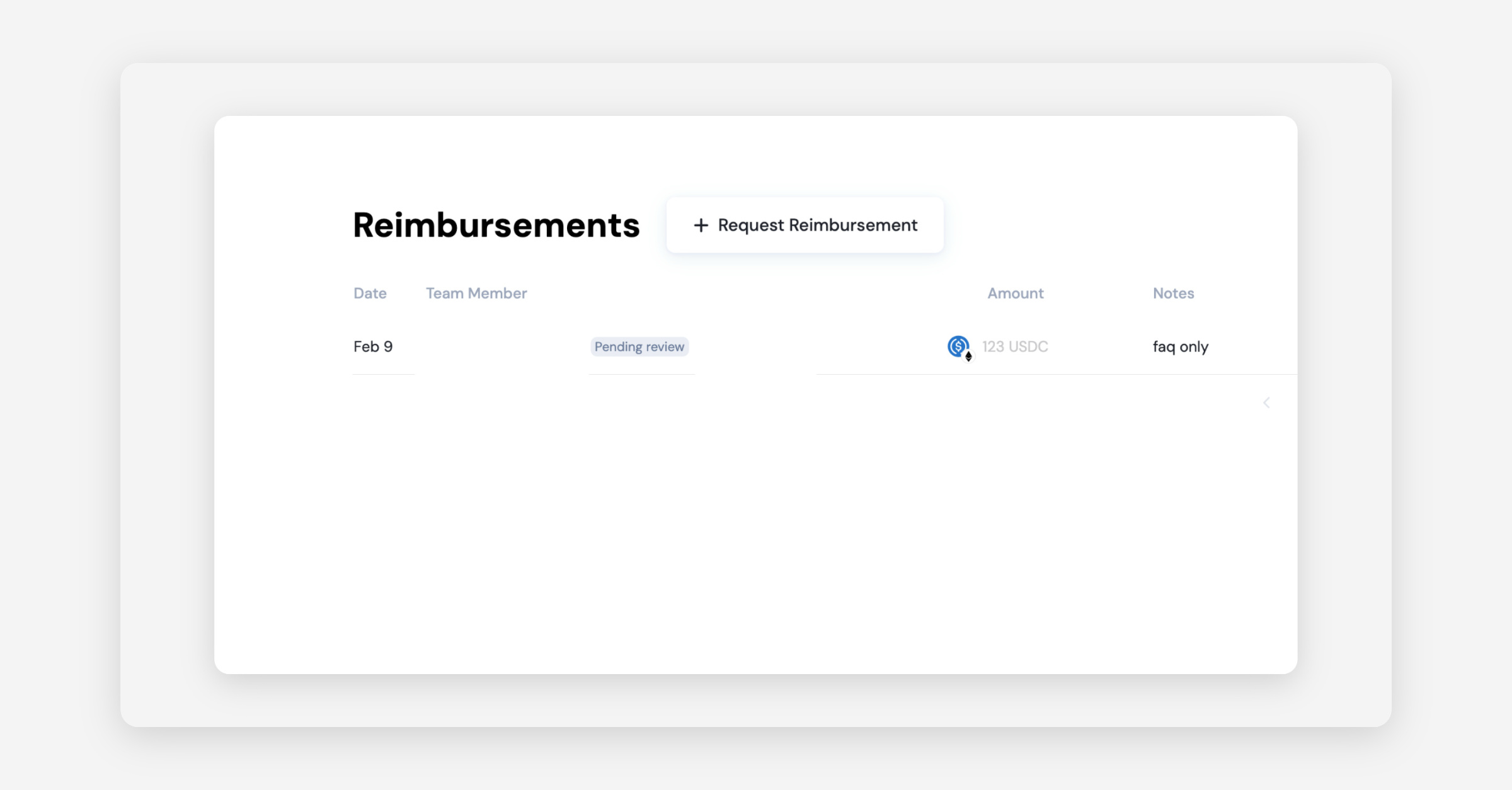
👉 How to request a reimbursement?
👉 How to make a payment request?
If you have any questions, our team is available via the in-app support widget or at [email protected].
OneSafe Card Relaunch
OneSafe Cards have officially relaunched.
Following our successful transition to a new card provider, card issuance is now live and available from your OneSafe account.
At launch, card issuance is supported in select countries. Some regions, including parts of Europe, are not yet available. You may view the full list of supported countries here:
https://faq.onesafe.io/articles/6403171068-can-i-issue-cards-for-my-business
For any questions, please reach out via the in-app support widget or email [email protected].
SWIFT Withdrawals are now Available
SWIFT withdrawals are now available through your Stables account upon request.
Feature availability (e.g. SWIFT, SEPA, USDT) depends on your account setup.
You can check your enabled features here: https://app.onesafe.io/app/endorsements Kindly contact in-app support so we can assist you through the enrollment process.
Important notes: SWIFT deposits are not currently supported, and SWIFT payments to individual (personal) bank accounts are not supported at this time.
More details on onboarding restrictions are available here:
https://faq.onesafe.io/articles/4646038601-swift-payments-restriction
If you have any questions, our team is available via the in-app support widget or at [email protected].